In this article
How subscriptions work
Subscriptions allow you to create recurring billing plans for your clients. This is ideal for ongoing maintenance, memberships, or any service offered on a regular basis.
Recurring Revenue
By setting up subscriptions, you can ensure a steady stream of income and provide consistent value to your most loyal customers without having to send manual invoices every month.
Step-by-step creation guide
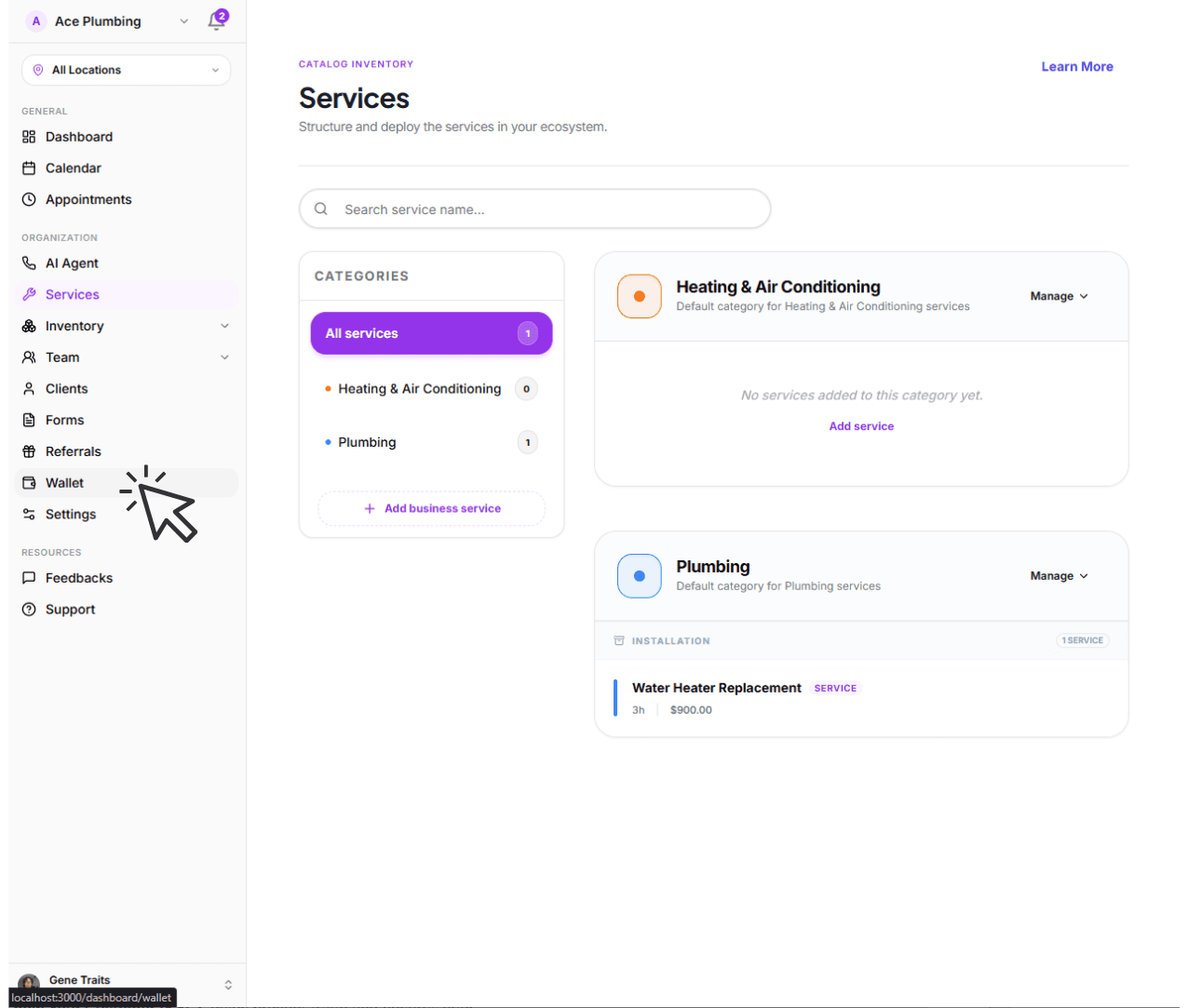
Open the global menu and tap the Wallet tab.
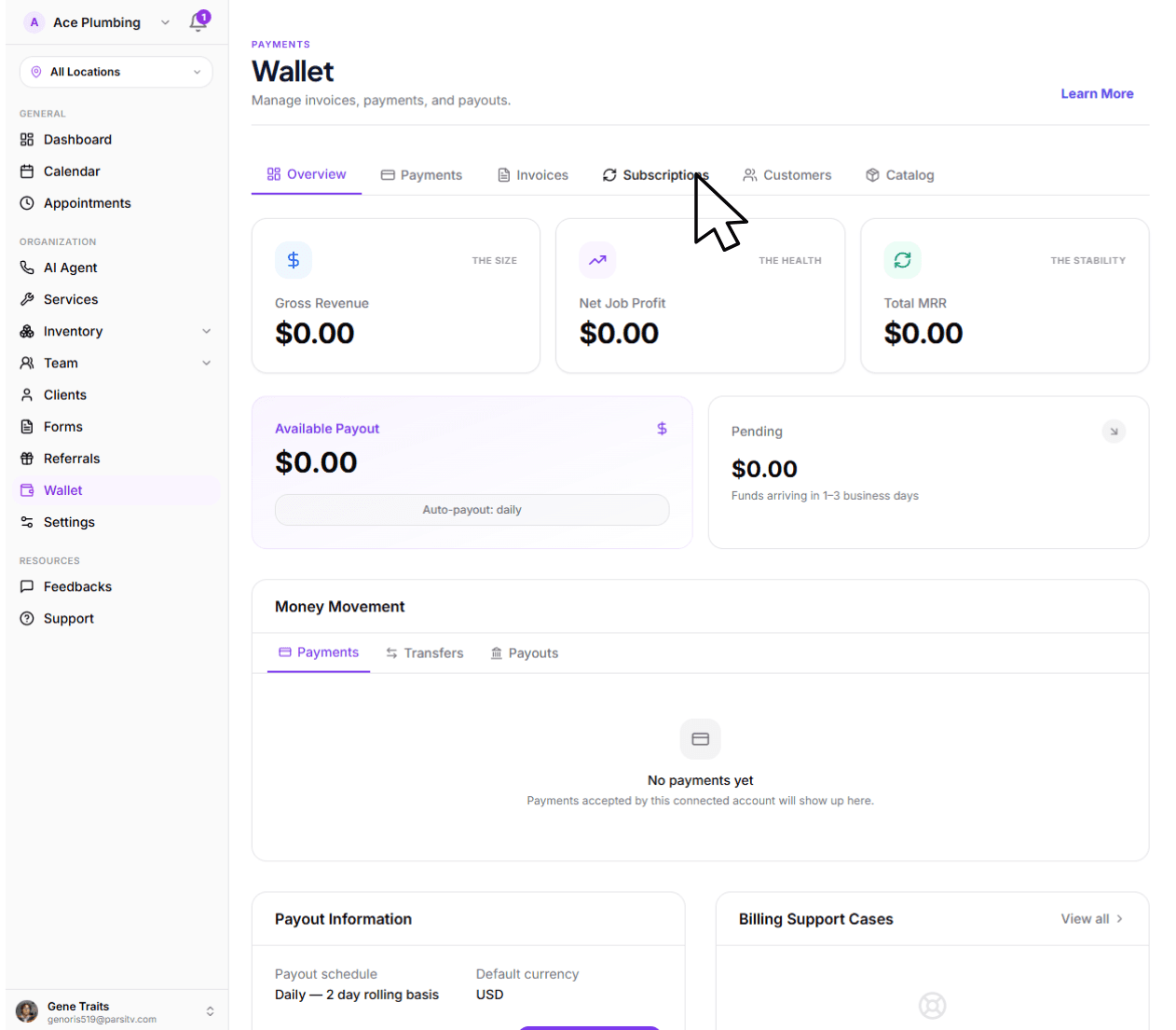
Tap the Subscriptions tab from the main navigation.
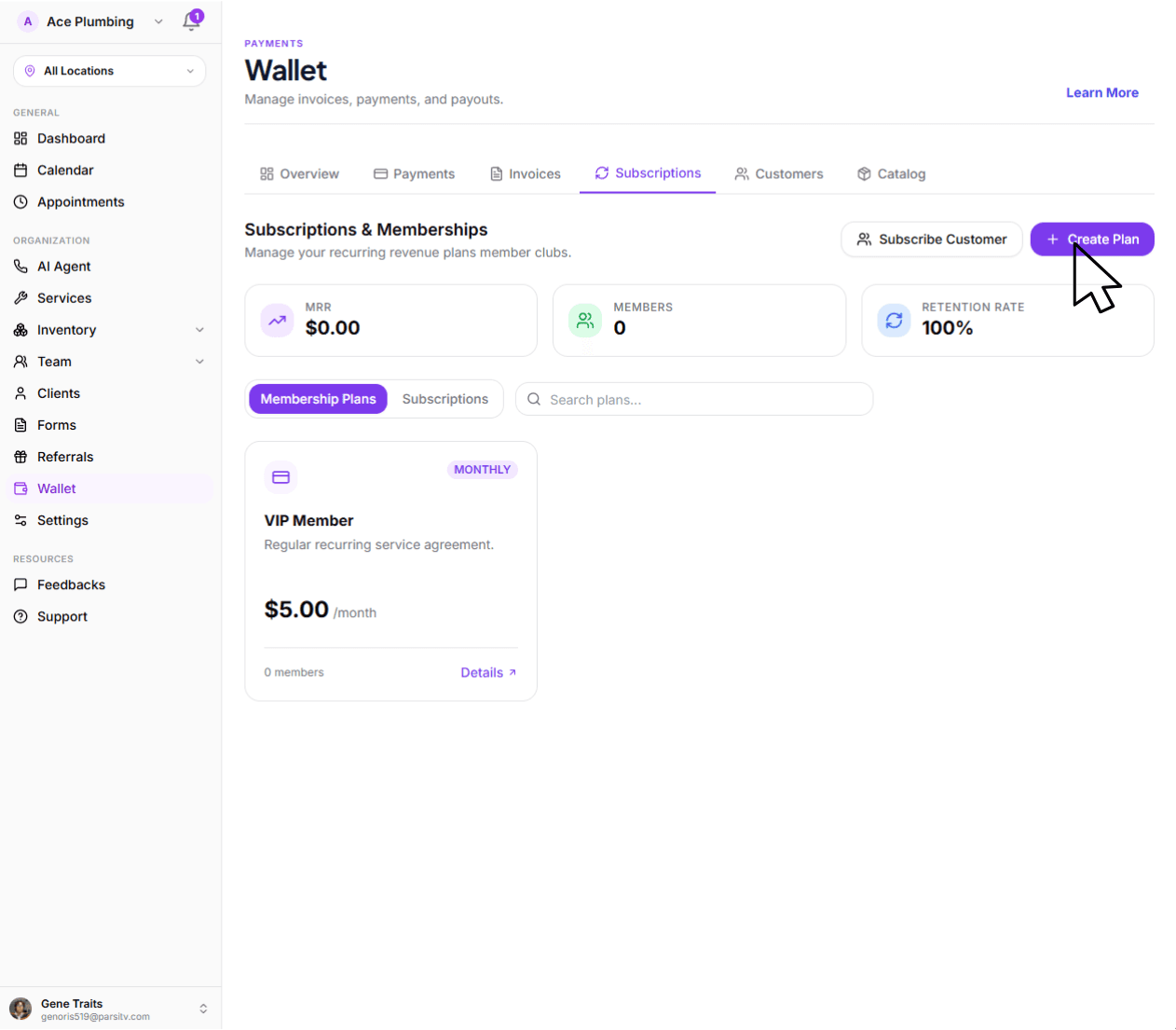
Tap the Create Plan button.
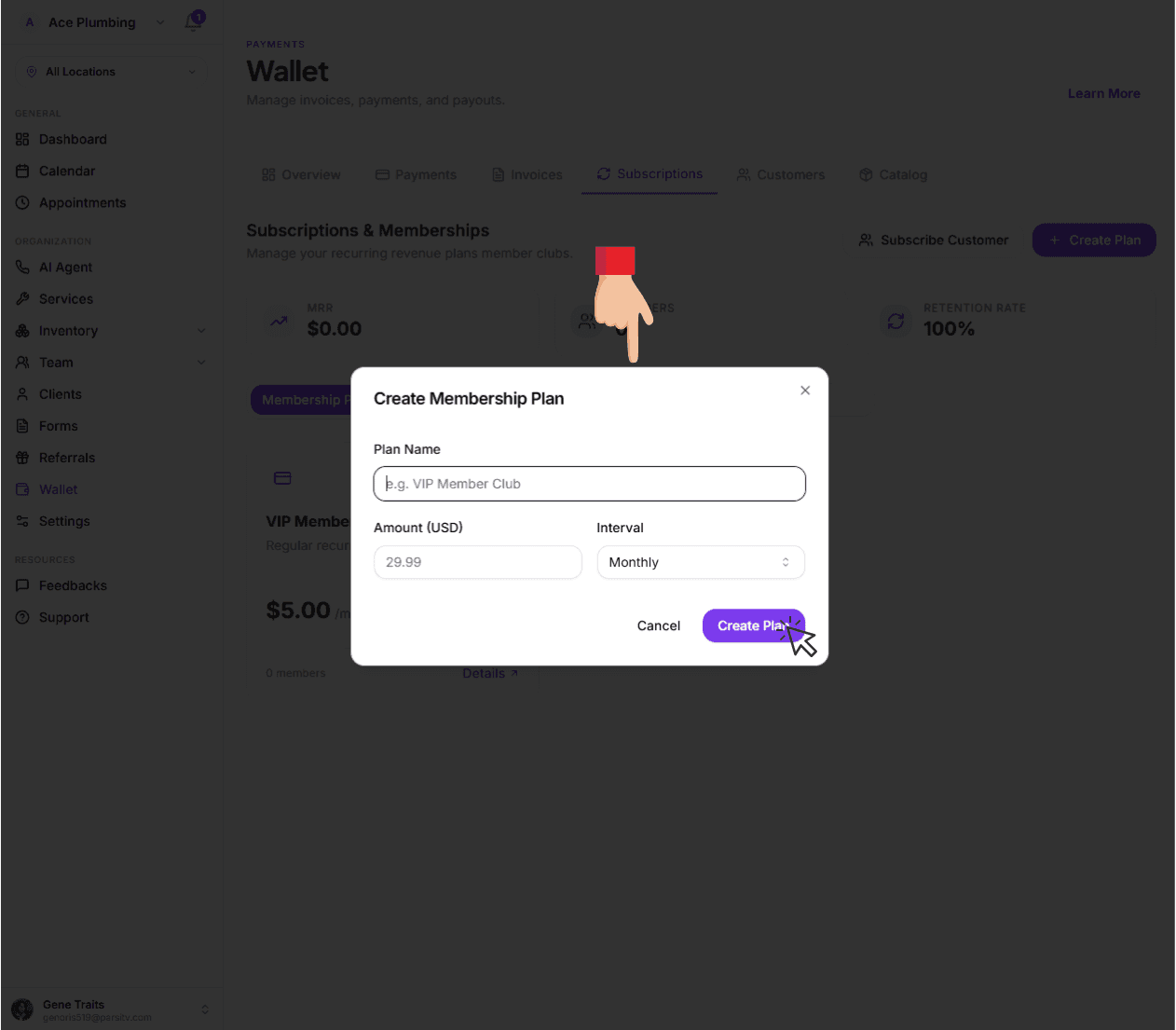
Fill in the plan name, amount, and interval (monthly or yearly), then tap Create Plan.
Next: Manage your balance
Now that your subscription plans are set up, learn how to track the transactions and balances generated by your business operations.
Go to balance overview
Deep dive into the difference between pending and available funds.
View guide: Managing your Balance