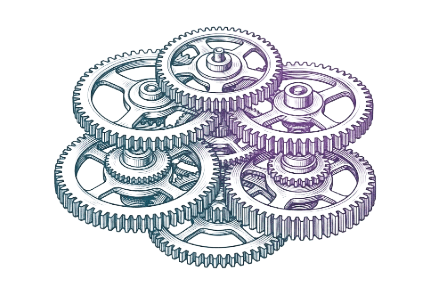
Master the Clock.
Nbound’s Scheduling Engine turns the chaos of the field into a high-performance machine. Achieve mechanical order and command your capacity.
Optimized Workflow
Grit-to-Order.
The slot is filled.
The AI Receptionist books a qualifying lead into the Master Dashboard.
Instant oversight.
The Manager sees the job, location, and required trade/skill.
The work is matched.
Drag-and-drop the job to the best-fit technician's schedule.
No phone-tag.
Technician sees the job instantly on their Field Appointments page.
System Intelligence.
Visualizing the master clock. Our dispatch engine calculates travel times, technician specialty, and job density in real-time.
Slot Density
94.2%
Route Optimizer
Active
Sync Reliability
100%
> INITIALIZING ROUTE_PROTOCOL_V4
> GEOLOCATION_SYNC: SECURE
> RESOLVING ACTION: OPTIMAL_DISPATCH
Power Features.
Analytics & Updates
Intelligence Brief.

Jobber and ServiceTitan Alternatives for AI-Automation
Discover top Jobber and ServiceTitan alternatives for AI automation, featuring smart scheduling, task automation, and efficient invoicing to streamline your business operations.
The Field Management System Built for the Crews Who Actually Do the Work
nbound is officially live — bringing scheduling, invoicing, AI-powered dispatch, and more to the small home service businesses that have been overlooked for too long.

AI Scheduling Agent vs Virtual Receptionist - Pros and Cons
Deciding between a human virtual receptionist and an AI scheduling agent? We break down the costs, capabilities, and best use cases for each.
Deployment is 5 Minutes.
Command your capacity immediately. Add your team, define their trades, and watch the Master Clock take over.
Add Technicians
Build your fleet profile and define availability.
Set Trade Skills
Assign expertise to each technician for smart dispatching.
View the Dashboard
Command your capacity and start filling the gaps.